NEXT-GEN CUSTOMER EXPERIENCE MANAGEMENT

BBI & Olo Integration

Start capturing feedback through Olo’s ordering channels with BBI’s direct integration with Olo’s Digital Ordering Platform.

Unlock off-premise performance insights to empower frontline teams to drive improvements throughout the ordering experience.
Logos of Black Box Intelligence and another company with a plus sign between them, set on a light purple grid background, hinting at a partnership or Olo integration.

Act on Guest Feedback Fast

A speech bubble with three outlined purple stars inside, representing a review or rating—perfect for showcasing customer feedback with Olo integration.

Increase execution quality, accuracy, and velocity to grow off-premise revenue.

Identify opportunities for menu engineering and development to help with ongoing cost savings.

BBI aggregates and translates customer data into actionable insights for the business.

How Does Olo Integrate with BBI?
Logo collage featuring the blue "Olo" logo above the black "Black Box Intelligence" logo, which includes a hexagon symbol, purple "Intelligence" text, and highlights Olo integration on a light background.

Step 1:

When an order is placed, Olo sends customer and order details to BBI.
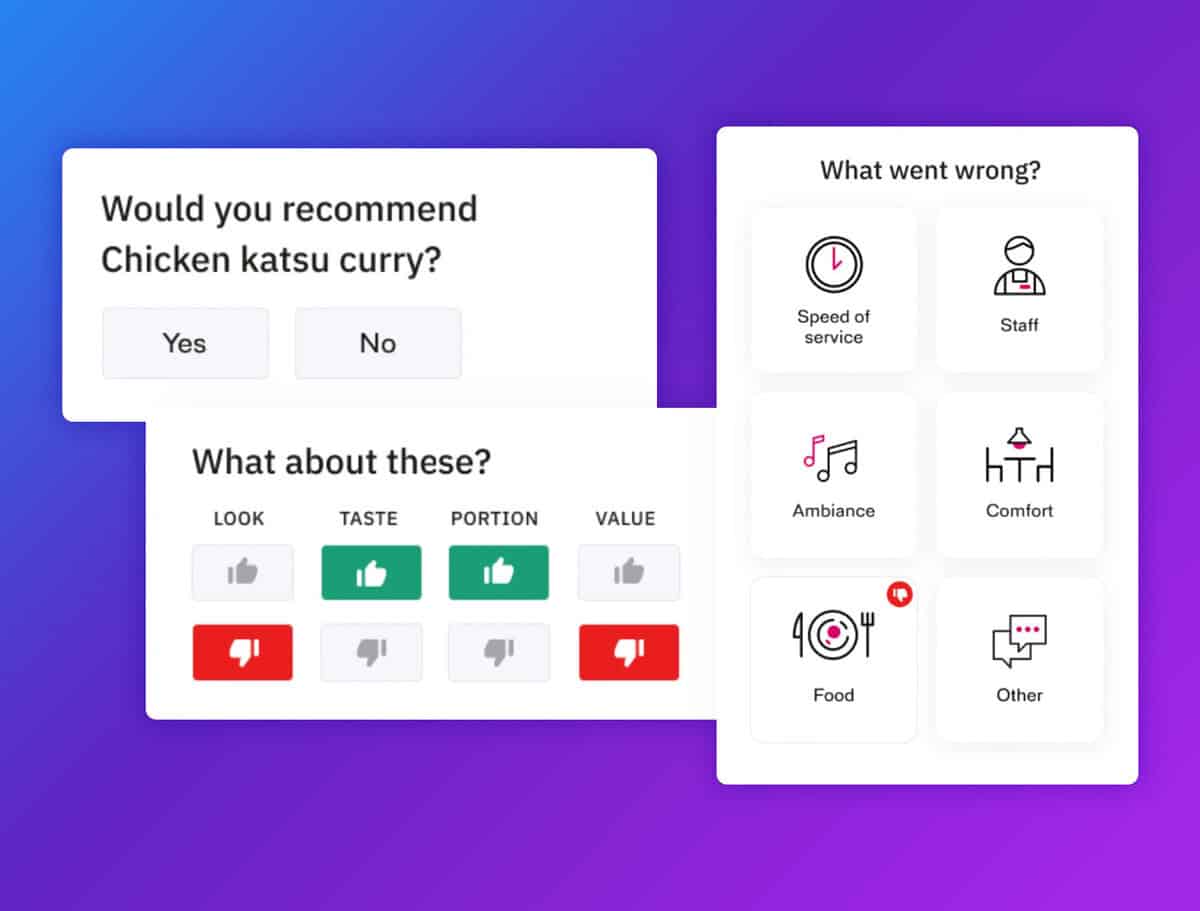
A feedback screen with redcat integration lets you share if you'd recommend chicken katsu curry, rate look, taste, portion, and value, and select issues like speed, staff, ambiance, comfort, food, or other.

Step 2:

At the end of their meal, BBI sends a 1-Minute Smart Survey to the customer via a restaurant-branded email to capture off-prem experience satisfaction.
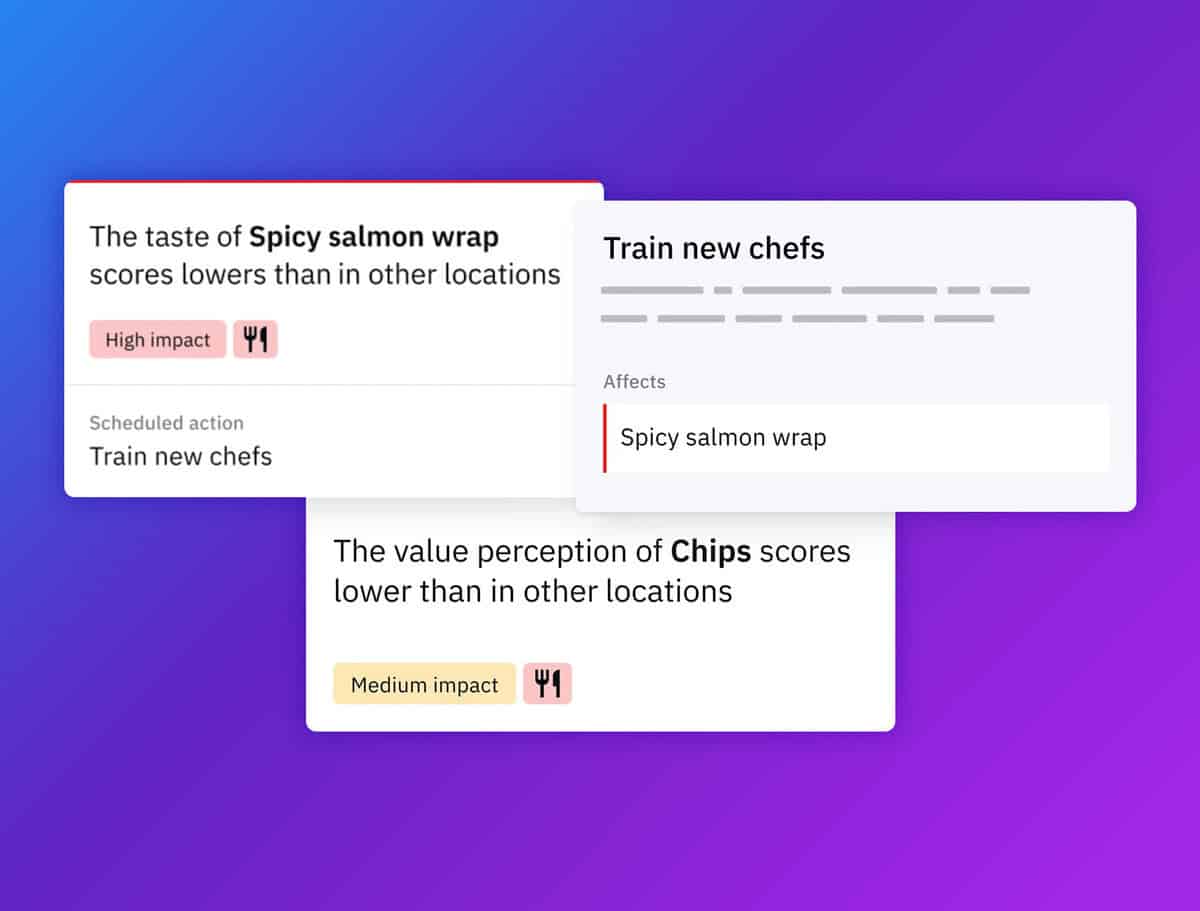
Three rectangular cards display feedback: "Spicy salmon wrap" has low taste scores, "Chips" has low value perception scores, and there's a scheduled action to train new chefs, all on a purple gradient background with Redcat integration.

Step 3:

BBI then provides brands with actionable insights based on customer experience data collected through Smart Actions.

BBI Integrations

Our Technology Integration Network

Overview
High-level view of all the platforms we integrate with.
Two overlapping purple speech bubbles, one featuring a star and lines representing text, and the other with a bookmark symbol and lines, on a dark background.
Reviews & Social
Review, social media and communication technologies for feedback management.
Purple outline icon of a computer monitor displaying the letters "CRM," with a gear symbol partially overlapping the top left corner, representing CRM software settings or configuration.
Loyalty & CRM
Loyalty and customer relationship management platforms.
Purple line drawing of a payment terminal with a dollar bill being inserted and a card slot on the side, representing electronic financial transactions.
PoS
Direct integrations with Point of Sale systems.

REQUEST A DEMO

Delivering ROI and valuable insights for your teams

Our platform delivers valuable insights for each level of the business – empowering everyone from senior leadership, operations, marketing, culinary, and front-line teams to execute their best food and service everyday.

More happy guests.

[BBI-CP v17] Initializing...
// which jQuery executes when appended to #gform_24, redefining // window.gformRedirect to a NEW closure. Our v14 wrapper is gone, then // the very next line calls gformRedirect() and the page navigates BEFORE // the user can interact with the CP modal. // // v15 fixes: // 1. Hard-lock window.gformRedirect with non-configurable defineProperty // that ignores ALL writes once flowActive=true. // 2. Wrap jQuery $.fn.append on the gform_24 wrapper to STRIP