New Release
NextGen Financial Intelligence
Turn Restaurant Data into Performance Intelligence Easier, Quicker and Better
Throughout our 30+ year existence, we have been proud to be known as the best source for restaurant financial performance data.
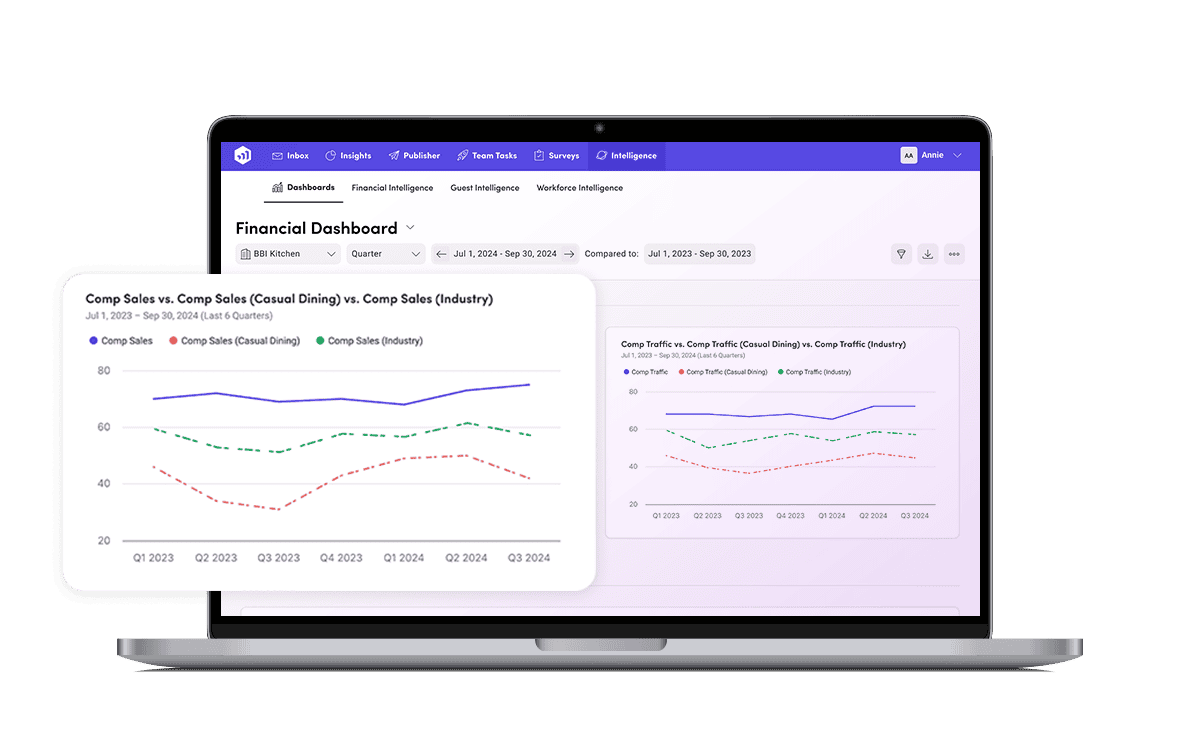
The accompanying analytics platform has received a MAJOR facelift.
This will significantly enhance your ability to extract meaningful and relevant insights from our data that impact your business performance.
NextGen Financial Intelligence
What’s Changed
-
New modern UI, including enhanced dashboards, visualizations and more.
-
Much greater configurability to extract the insights that matter for your brand.
-
New metrics and daily reporting frequency.
New Capability
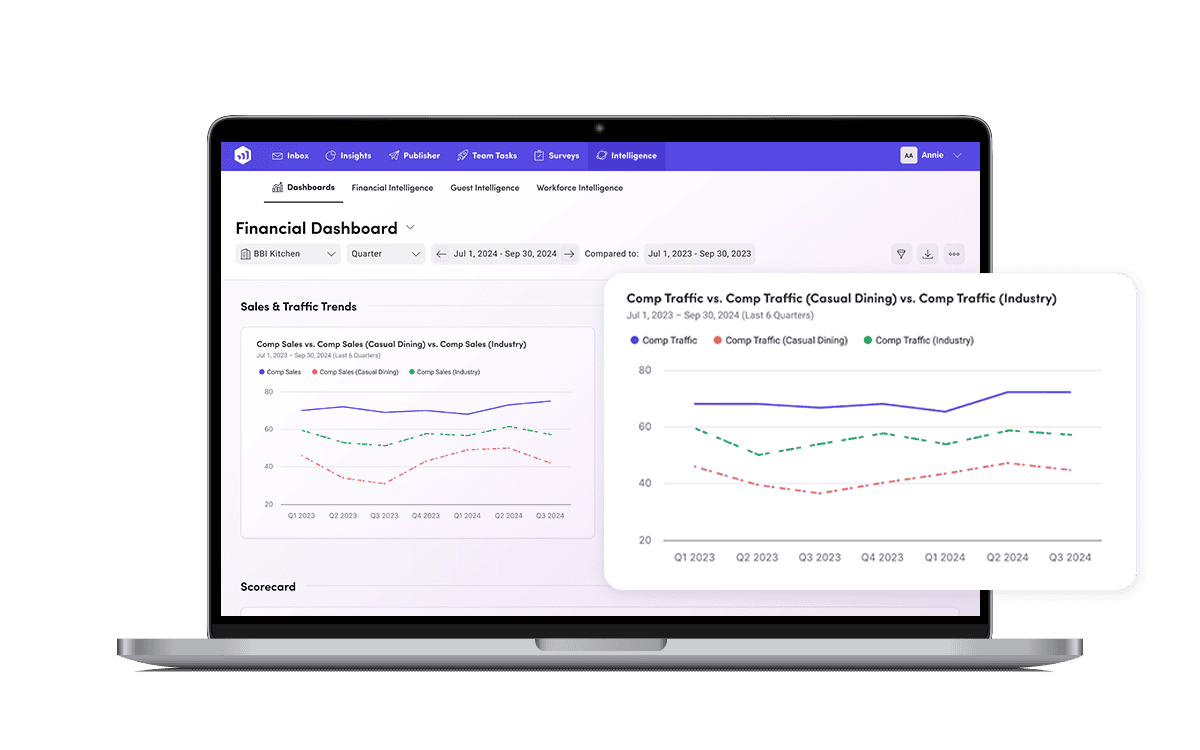
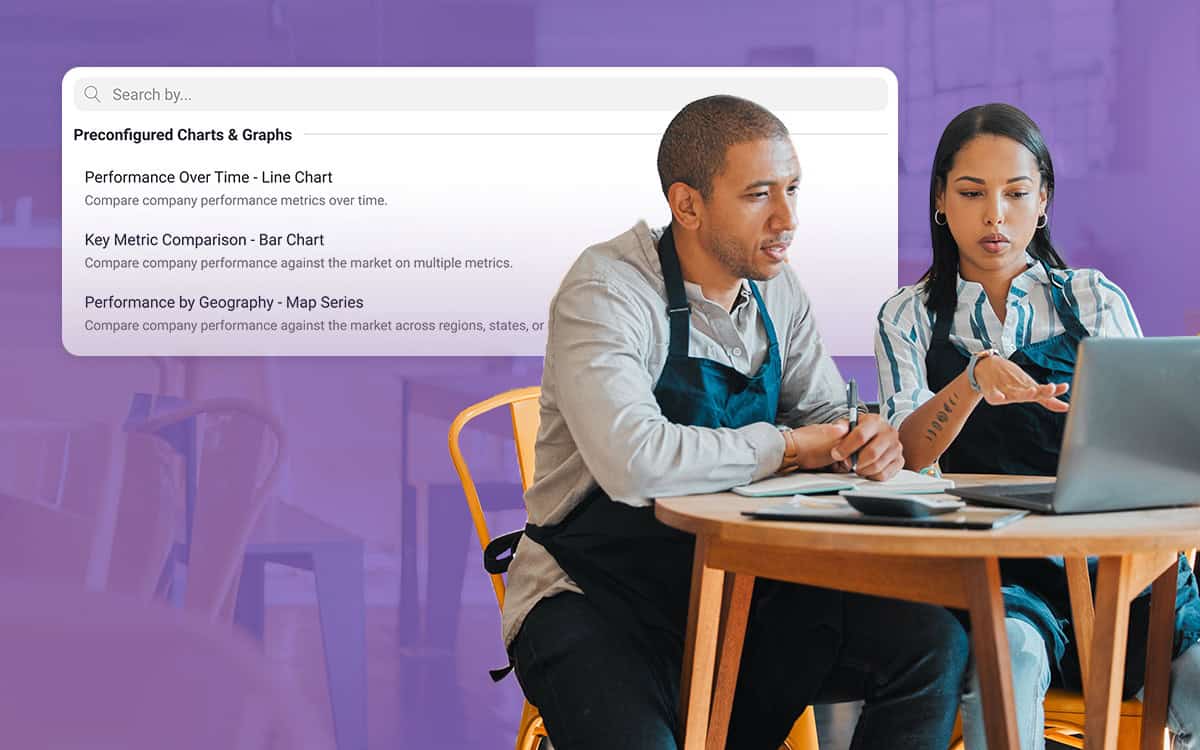
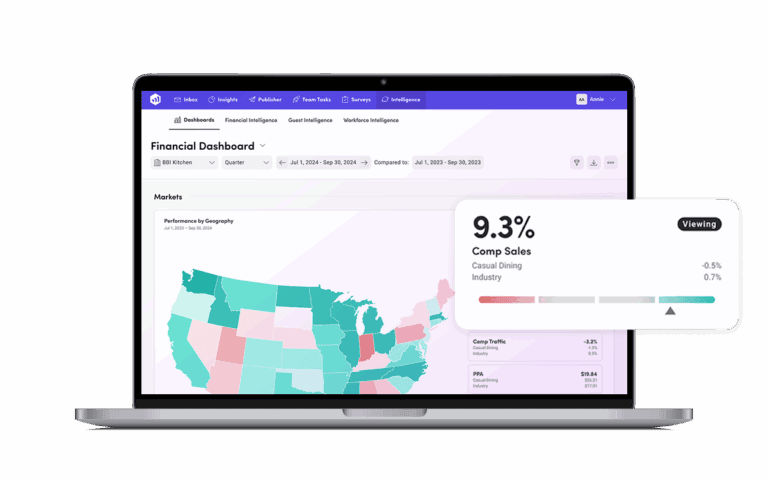
Configurable Dashboards and Reporting
-
Charts & Graphs: Create trend charts and bar graphs yourself.
-
Scorecards: Create your own specific performance scorecards or single/multi-metric scorecards.
-
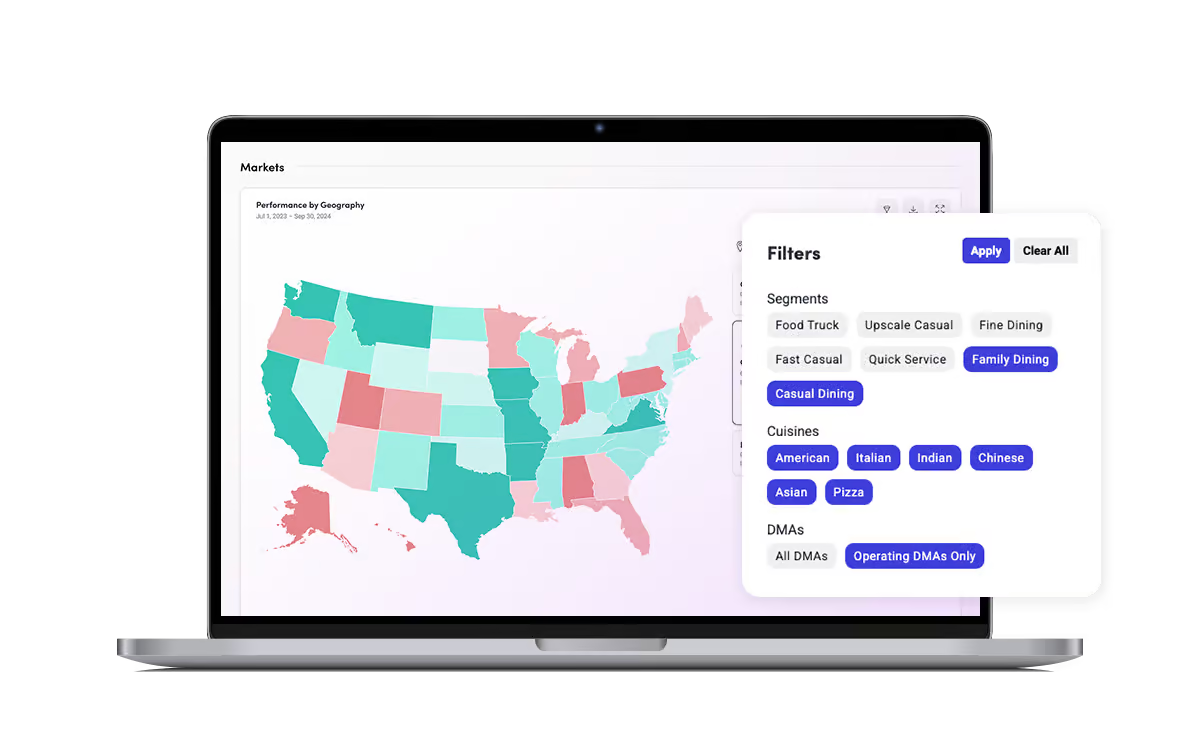
Geographic Maps: Incorporate maps as a visual representation of market performance.
New Capability
New Metrics Added

Sales Channels & Revenue Centers
-
Off-Premise & On-Premise Sales (segmented by type – e.g. kiosk vs delivery vs pick up etc.)
-
3PD Sales

Beverage & Menu Mix
-
Food Sales Categorization (e.g. appetizer vs entree vs dessert)
-
Beverage Sales Categorization (e.g. liquor vs beer vs wine etc.)
-
Comps & Discounts

Traffic Metrics
-
Check Count: Number of transactions (checks) closed during a time period.
-
Guest Count: Number of individual guests served.

Sales Types & Adjustments
-
Discounts: Sales reductions applied to checks (e.g., coupons, promos).
-
Comps: Complimentary items provided at no charge.

Performance & Productivity Metrics
-
PPA
-
PTA
-
Guest Per Labor Hour
-
Labor Hour Per 100 Guests or 100 Checks
NextGen Financial Intelligence
Live Preview Webinar Demo with Product Experts
Join this live webinar tour of the new Financial Intelligence experience, demonstrating how we’ve significantly enhanced the UI and analytics capabilities of the platform to help you meaningfully drive change in your business.

New Capability
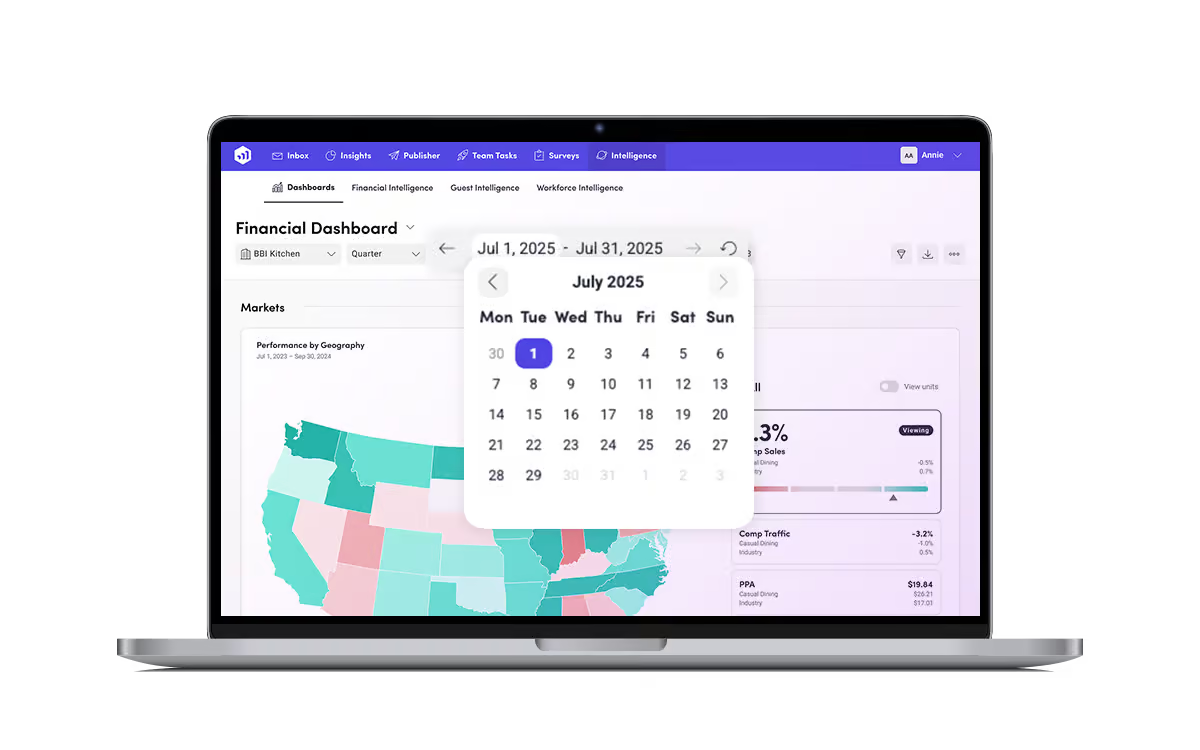
Daily-Level Data
You can now view performance right down to individual days. Select daily date ranges in the following ways:
-
Select a predefined date range based on the current date like Quarter or Week.
-
Select a predefined rolling date like “Last 30 Days” or “Last 90 Days”.
-
Select a user defined date range using the date selector.
New Capability
Create Custom Benchmarks
Create your own custom benchmark set to compare against with enhanced filter management.

Talk to us today!
Leave your contact details to learn more about Financial Intelligence Next Gen and we’ll be in touch asap.